 NSFW
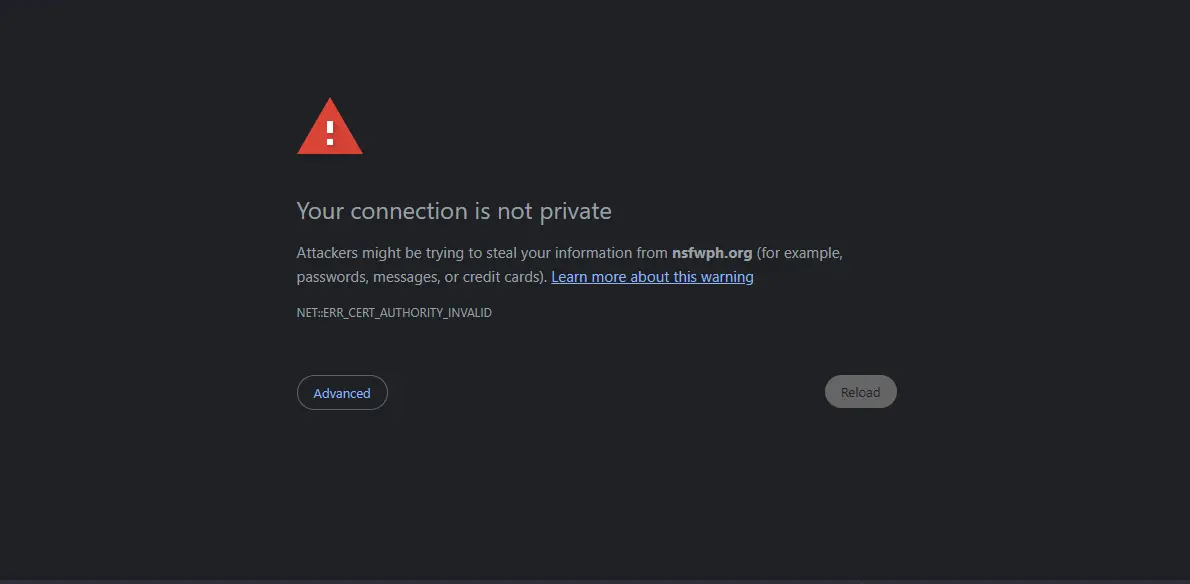
NSFWPaano maunblock ang nsfwph at mabypass ang "Your connection is not private" message. Palitan lang yung DNS ng device. No need to install ng kahit ano kaya sure safe na safe.
 Mga pwede gamitin:
OpenDNS: 208.67.222.222 - 208.67.220.220
GoogleDNS: 8.8.8.8 - 8.8.4.4
Steps saWindows
Enter Google DNS:
OpenDNS:
Steps sa Android:
Steps sa iOS:
OpenDNS: 208.67.222.222 - 208.67.220.220
GoogleDNS: 8.8.8.8 - 8.8.4.4
Steps saWindows
- Open Control Panel
- Press Windows + R → Type control → Enter
- Go to Network Settings
- Network and Internet → Network and Sharing Center → Change adapter settings
- Right-click your active connection → Click Properties
- Select Internet Protocol Version 4 (TCP/IPv4) → Click Properties
- Choose Use the following DNS server addresses
Enter Google DNS:
- Preferred: 8.8.8.8
- Alternate: 8.8.4.4
OpenDNS:
- Preferred: 208.67.222.222
- Alternate: 208.67.220.220
Steps sa Android:
- Open Settings
- Tap Network & Internet or Connections
- Tap Wi-Fi → Tap the connected Wi-Fi network
- Tap Edit or Advanced settings
- Change IP settings from DHCP to Static
- Scroll to DNS 1 and DNS 2
- Google DNS: 8.8.8.8 and 8.8.4.4
- OpenDNS: 208.67.222.222 and 208.67.220.220
- Save changes
 Note: You can only change DNS for Wi-Fi, not mobile data.
Steps sa iOS:
- Open Settings
- Tap Wi-Fi
- Tap the “i” icon next to your connected network
- Tap Configure DNS → Select Manual
- Remove existing DNS entries
- Tap Add Server
- Google DNS: 8.8.8.8 and 8.8.4.4
- OpenDNS: 208.67.222.222 and 208.67.220.220
- Tap Save


